Wery
AI Headshot Generator

AI Headshot Generator for Professional Identity Assets

Turn your selfies into a reusable set of professional headshots — drafted in parallel by Wery's AI Experts, refined inside the workspace, and saved as identity assets you keep reaching for.

See how it works
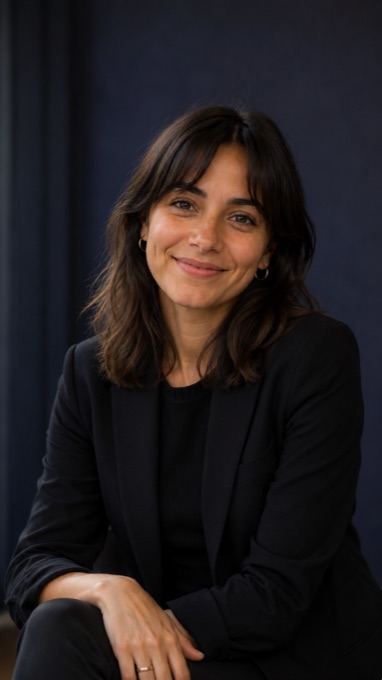
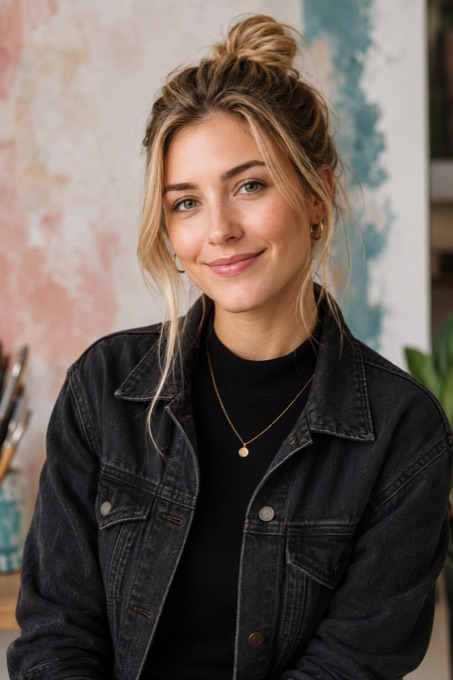
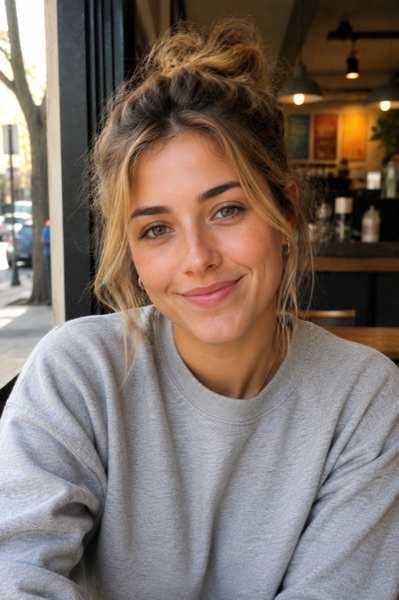
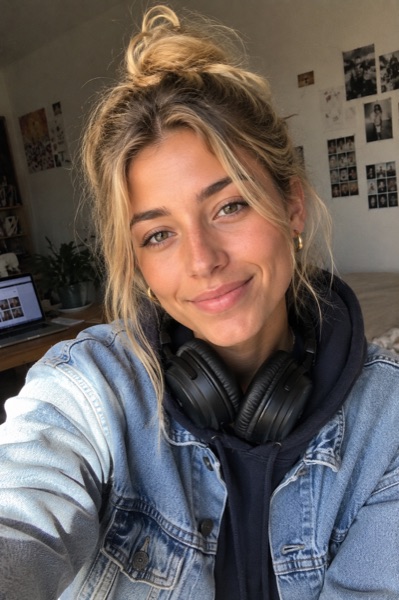
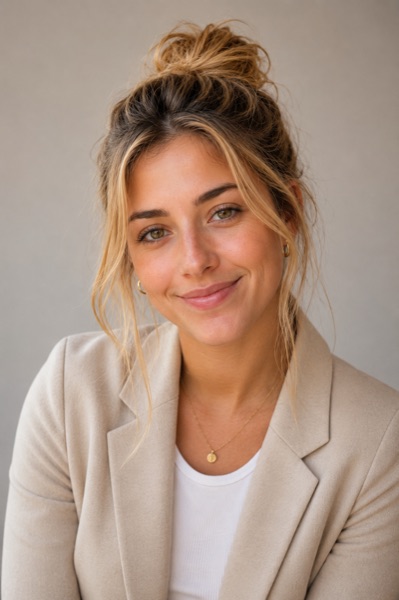
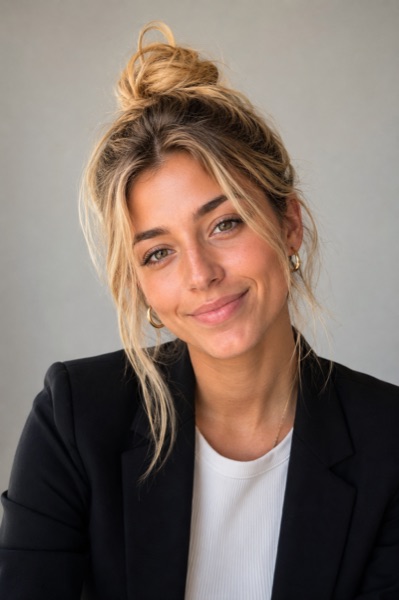
Illustrative Wery-generated LinkedIn headshot previewLinkedIn
Illustrative Wery-generated personal brand headshot previewPersonal Brand
Illustrative Wery-generated speaker profile headshot previewSpeaker
Illustrative Wery-generated team page headshot previewTeam
Illustrative Wery-generated creative profile headshot previewCreative

From casual selfies to professional identity assets

Watch Wery turn everyday photos into polished headshots.

BeforeAfter
Generating...

AI Headshots for LinkedIn, Resumes, Teams & Speakers

Each use case sets a slightly different brief — framing, tone, format. Pick the one closest to your goal and open the plan with it pre-loaded.

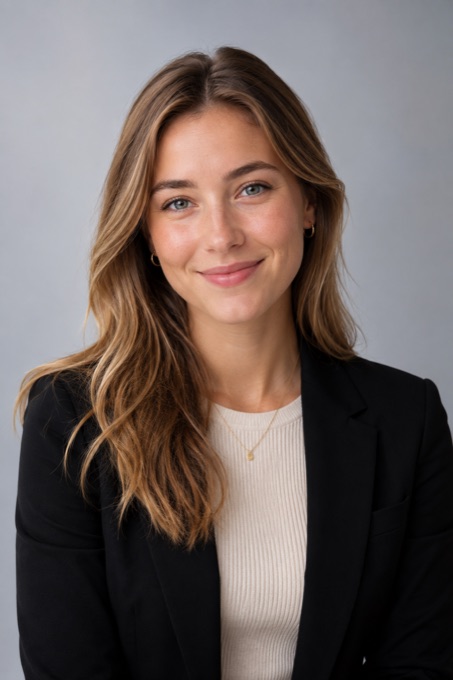
AI-generated professional LinkedIn profile headshot from a selfie, clean studio background

LinkedIn profile

Framing
Square · 1080 × 1080
Tone
Approachable, on-brand
Background
Clean studio neutral
Format
PNG · 1:1

Workspace asset

Headshot · LinkedIn

Generic AI Headshot Tool vs. Wery Headshot Workflow.

Generic AI Headshot Tool

Outputs one photo. Then disappears.

  • You end up with twenty headshots and still don't know which one belongs on LinkedIn.

  • Run it again and your face, age, or mood quietly shifts.

  • You're left with final_v3_FINAL.png and no memory of why you picked it.

  • You still crop a 1:1 for LinkedIn, a 3:4 for your resume, and a 16:9 for the deck.

  • One photo doesn't cover job search, your team page, and a sales deck.

  • Three months later you're back to writing prompts from scratch.

Wery Headshot Workflow

Drafts an identity pack. Then keeps it.

  • Wery groups outputs by where they go — LinkedIn, resume, team page, press kit, or deck.

  • Wery keeps the same face, age, and feel across every version you generate.

  • Wery saves each version with the use case, look, framing, and format you chose.

  • Wery prepares the LinkedIn square, resume 3:4, press 16:9, and deck-ready crops in one pass.

  • Wery builds an identity pack you reuse across LinkedIn, resume, team, press, and deck.

  • Wery keeps the style direction that worked, so the next round picks up from there.

How to Make an AI Headshot from a Selfie

Pick a use case, get a free image plan with the directions, framings, and formats you'll need — no account required. Create your workspace only when you're ready to upload your photos and generate the full asset pack.

  1. 01Step
    No account yet

    Pick your use case

    Tell Wery where the headshot needs to work — LinkedIn, resume, team page, speaker profile, press kit, sales deck, or founder bio.

  2. 02Step
    No account yet

    Build your free image plan

    Answer a couple of quick questions about your role and the signals your image should send. Optionally add 1–3 photos now to use for generation — no account needed to plan.

  3. 03Step
    No account yet

    Preview directions and output formats

    See draft style directions, the exact formats you'll get (LinkedIn 1:1, resume 3:4, press 16:9, deck-wide), and a checklist of the photos you'll need.

  4. 04Step
    Account required

    Create your workspace and generate

    Create your workspace, upload your photo set, and the AI Experts generate, refine, and save your identity asset pack — ready to reuse next time you need a fresh round.
Build your plan first. No login until you're ready to create your workspace.

What to know before you generate one.

What is an AI headshot?

An AI headshot is a portrait drafted by a generative model from a set of reference photos you provide. Uploading multiple clear photos from different angles helps the model capture your features and produce more usable results.

Are AI headshots realistic enough for LinkedIn?

AI headshots can be useful for professional contexts when the input photos are clear and the goal is specific. Quality depends on the reference photos, lighting variety, and how clearly you describe the final use.

Where can I use an AI headshot?

Common contexts include LinkedIn profiles, resumes, founder bios, press kits, conference badges, podcasts, and social profiles. With Wery, each generated headshot is saved as a workspace asset so it stays available across future projects.

What makes Wery different from a generic AI headshot generator?

Wery is a workspace, not a single-purpose tool. You set a professional goal, Wery's AI Experts draft and refine the headshots inside an execution plan, and the final assets stay in your workspace for the next deck, profile, or pitch.

FAQ

  • How does Wery's headshot workflow work?

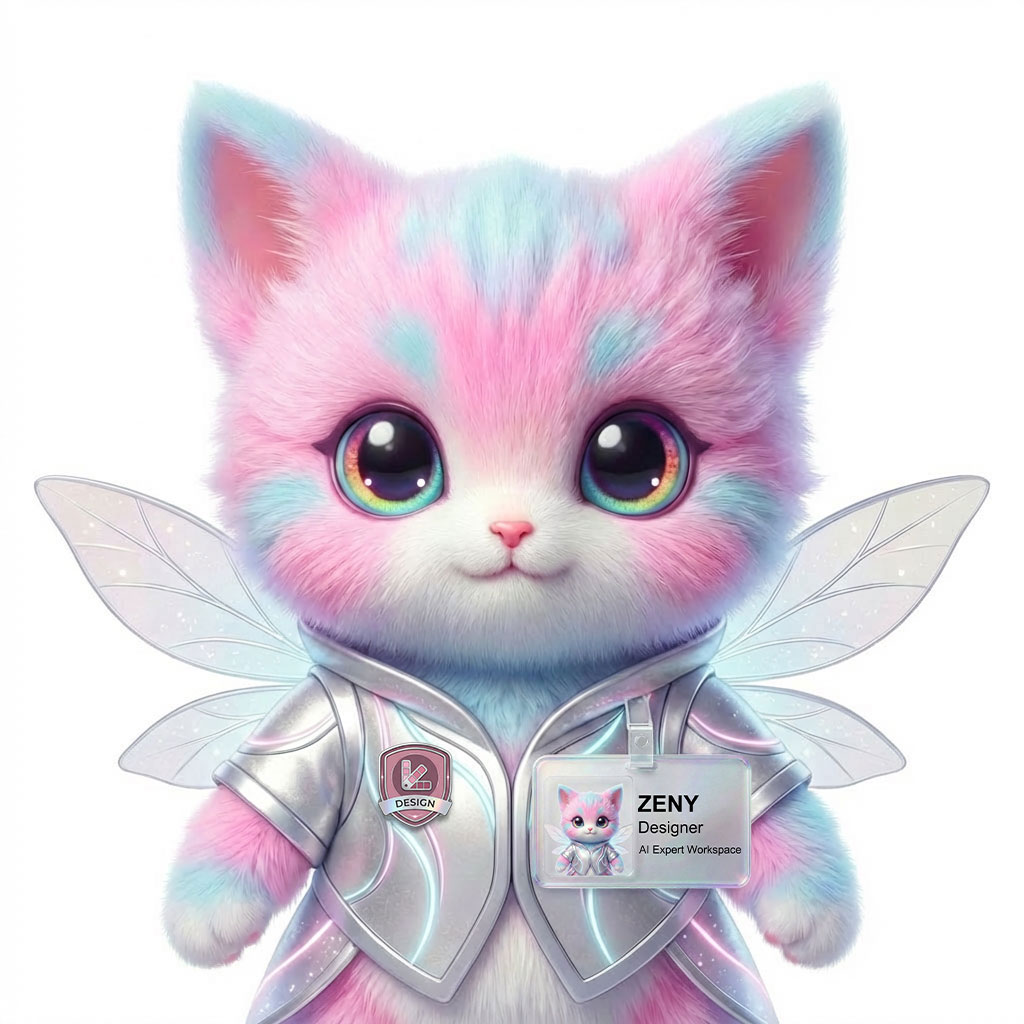
    Tell Wery the goal (e.g. a LinkedIn refresh). Wery drafts an execution plan and its AI Experts — led by Zeny, the Designer — generate looks in parallel. You review, refine, and the final headshots are saved as assets in your workspace.

  • How many photos should I upload?

    Upload a handful of clear photos showing your face from different angles. More variety in lighting and pose helps the Experts capture your features.

  • How long does it take?

    Wery's Experts work in parallel inside your workspace and surface drafts as they're ready. You can keep refining from there.

  • Can I use these headshots on LinkedIn and resumes?

    Yes — LinkedIn profiles and resumes are supported goals for this workflow.

  • Do I own the headshots I generate?

    Your headshots are generated for your professional use inside your Wery workspace. For specific rights and commercial-use questions, please contact us.

  • What happens to my photos?

    Your photos and generated headshots live in your Wery workspace. For details on data handling and retention, see our policies.

Beyond headshots

One workspace, every kind of professional asset.

The same workflow drafts research, reports, decks, and visuals. Headshots are one asset class in your AI Expert Workspace — and the experts working on them are the same ones working on the rest of your week.

See the workspace

Expert lineup

  • Zeny, Designer
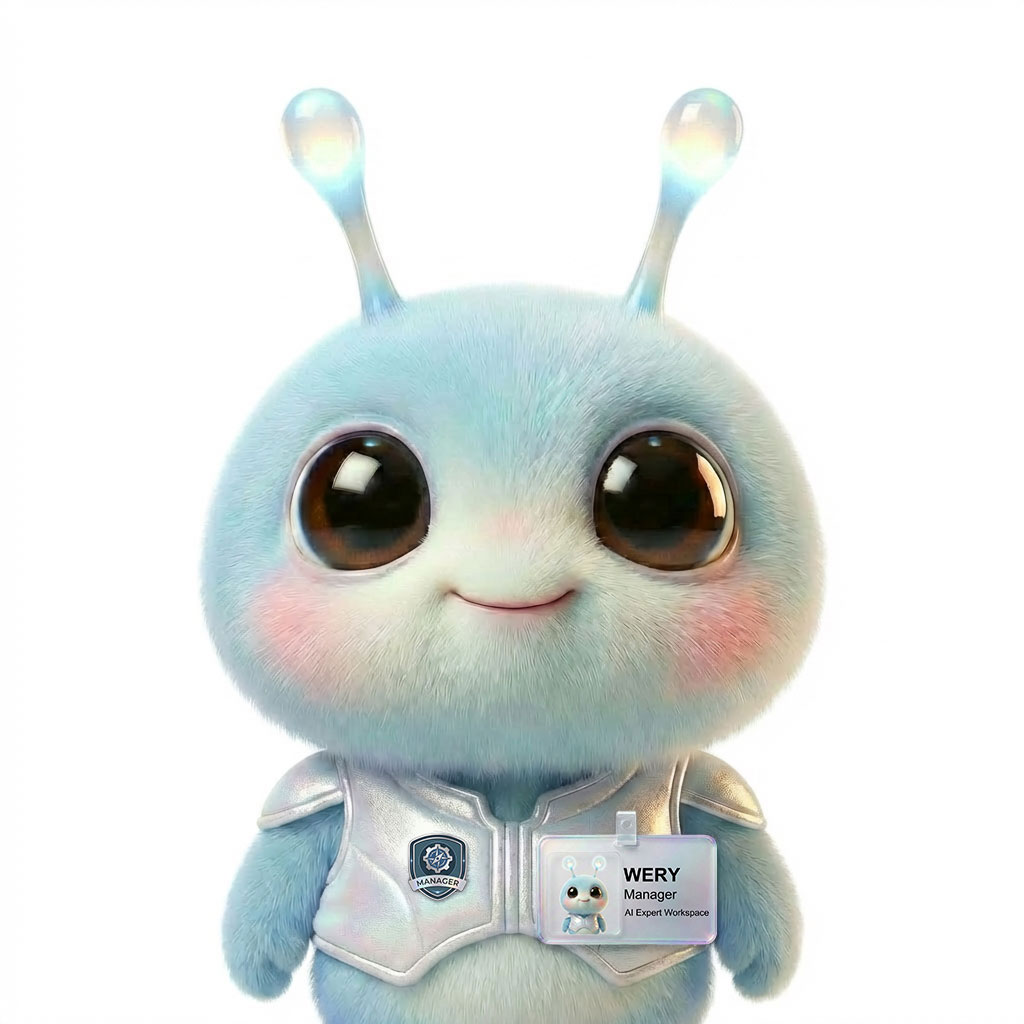
  • Wery, Manager
  • KOMP, Post Pro
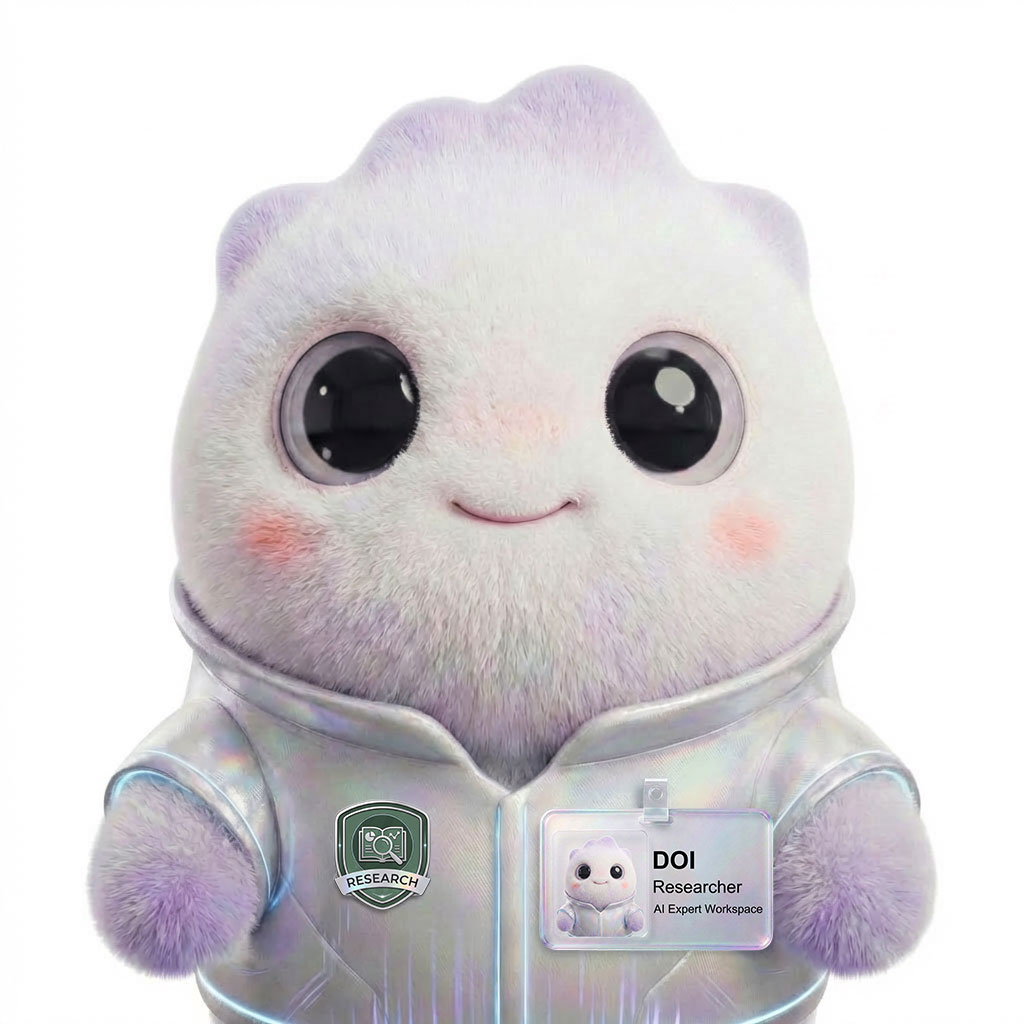
  • Doi, Research
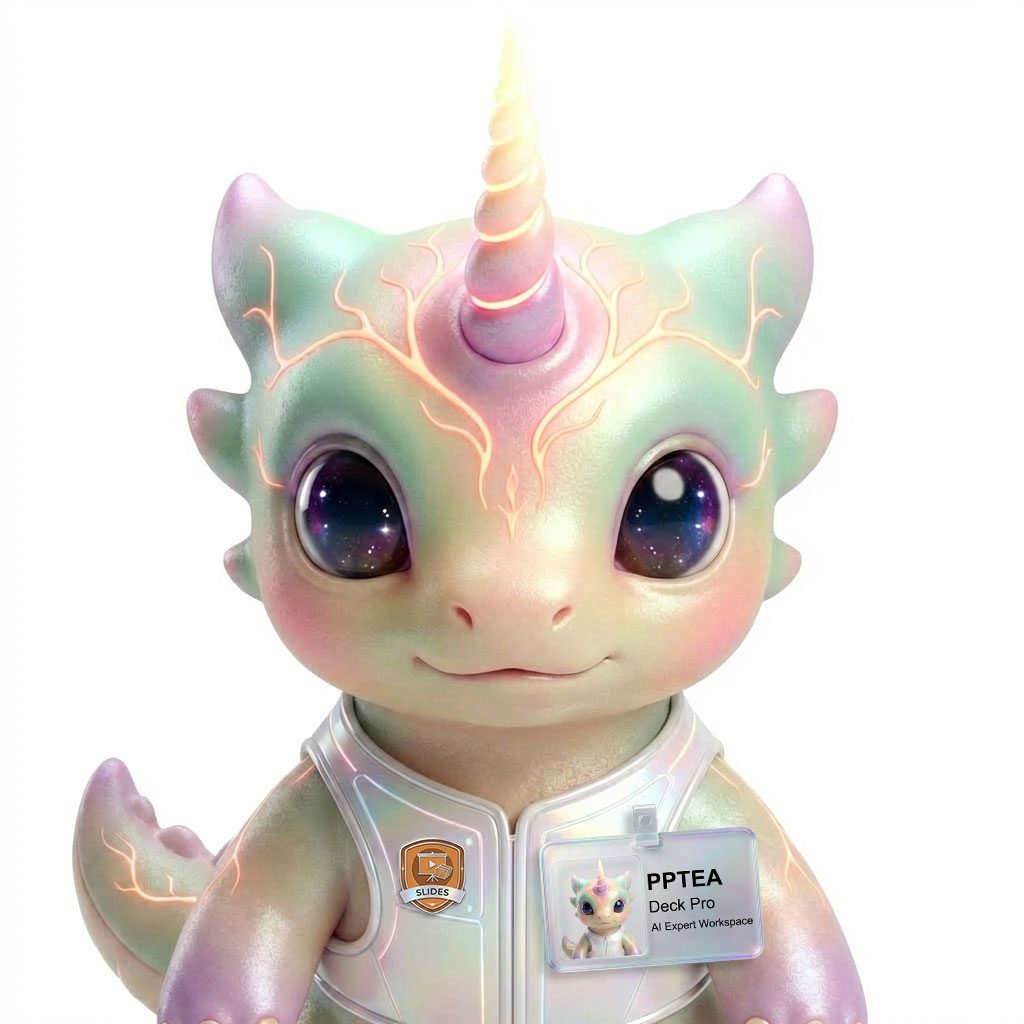
  • PPTea, Deck Pro
  • Zeny · Designer
  • Wery · Manager
  • KOMP · Post Pro
  • Doi · Research
  • PPTea · Deck Pro

Ready when you are

Turn your selfies into a professional identity pack.

Build your free image plan now — pick your use case, get the directions and formats you'll need, and create your workspace only when you're ready to generate.

See the workspace

© 2026 Wery.AI Expert Workspace